High school and college students, self-learners and anyone revising from written notes who wants to test themselves instead of re-reading.
Jak działa
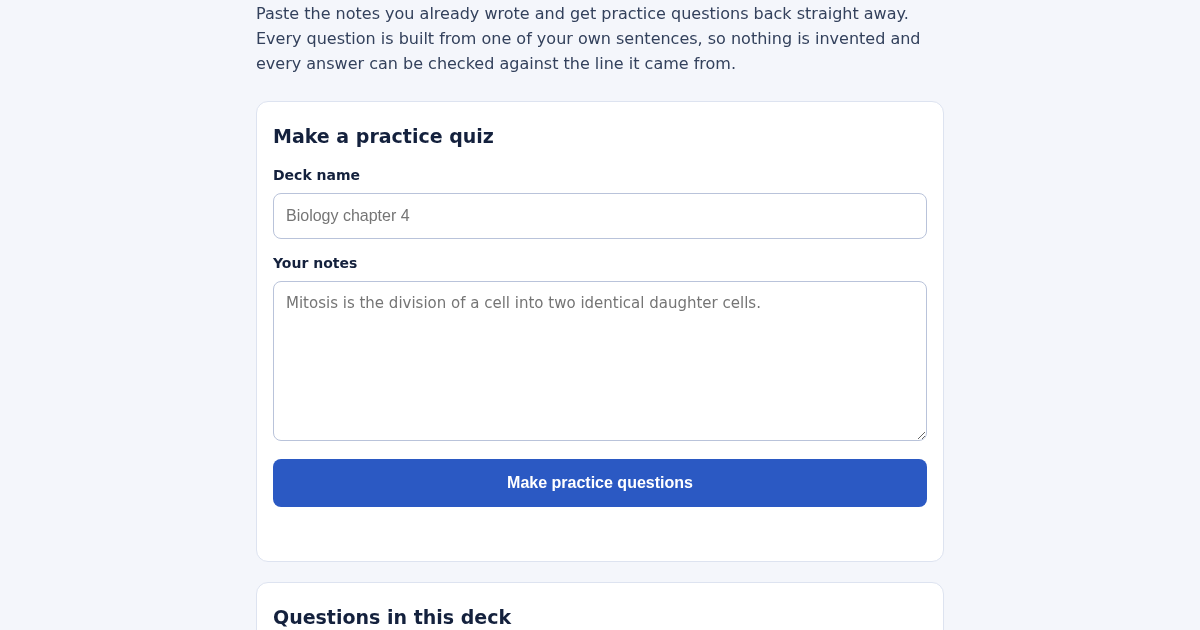
- Give the deck a name, for example "Biology chapter 4".
- Paste your notes into the box - full sentences work best.
- Press Make practice questions.
- Work through the questions; the deck stays saved for the next session.
Co zyskujesz
- Turns your own study notes into practice questions built only from your sentences, with the source line shown for every answer, so you can trust what you're studying was never invented.
Zrzut ekranu
Szczegóły techniczne
Jak zaczac i uzywac
- Kup licencje — klucz (lic_...) pojawi sie na stronie zamowienia i w e-mailu.
- Zaloguj sie na app.synoriaai.com kluczem licencji.
- Bez instalacji — produkt dziala w przegladarce, na Twojej izolowanej instancji.
- 1. Open ExamGenius and enter a name for your deck in the title field.
- 2. Paste your study notes into the notes box.
- 3. Click the 'Make Questions' button.
- 4. Review your practice questions, each with the answer and source line.
- 5. Save the deck by name; rebuilding it replaces the old version.
Najczęstsze pytania
Are my notes sent to a server or used for anything else?
No. ExamGenius works entirely in your browser with no account, no internet lookup, and no AI service. Your notes stay on your device.
What types of sentences can it turn into questions?
It recognizes definition, fact, cause, and action sentence patterns. It only uses your own sentences—nothing is invented.
Can I keep multiple decks?
Yes, you can save decks by name. Rebuilding a deck with the same name replaces it instead of creating a duplicate.
Podobne produkty
Planificador de Estudio para la EBAU
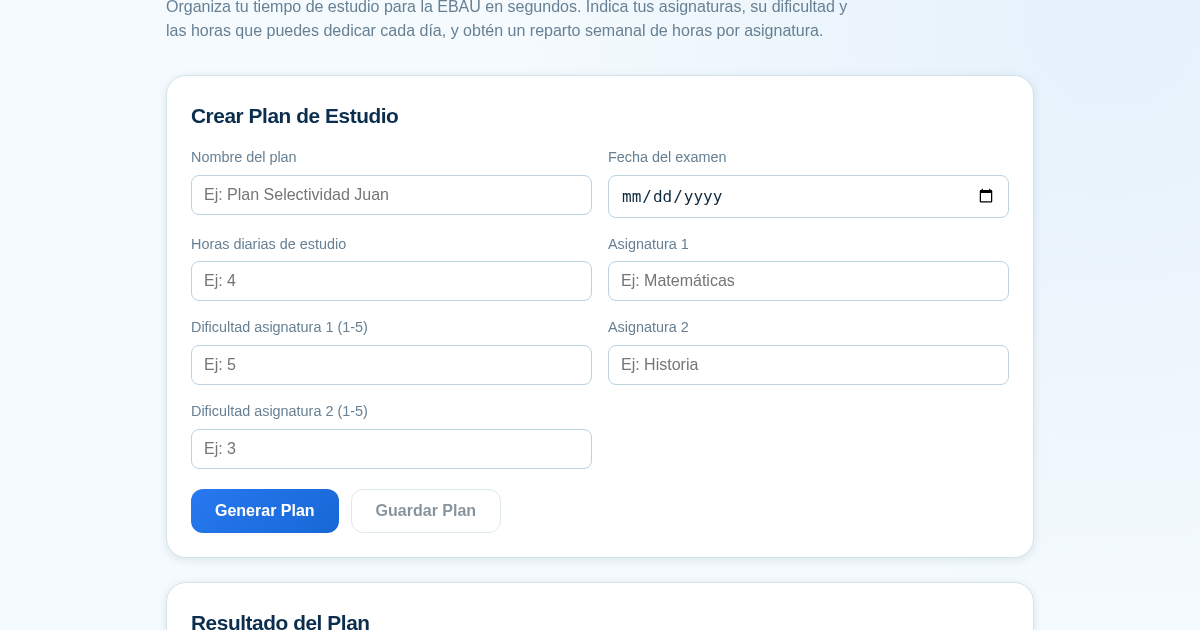
Organiza tu tiempo de estudio para la EBAU en segundos. Indica tus asignaturas, su dificultad y las horas que puedes dedicar cada día, y obtén un reparto semanal de horas por asignatura, guardado para que siempre puedas…
RPP Instan – Generator RPP Kurikulum Merdeka
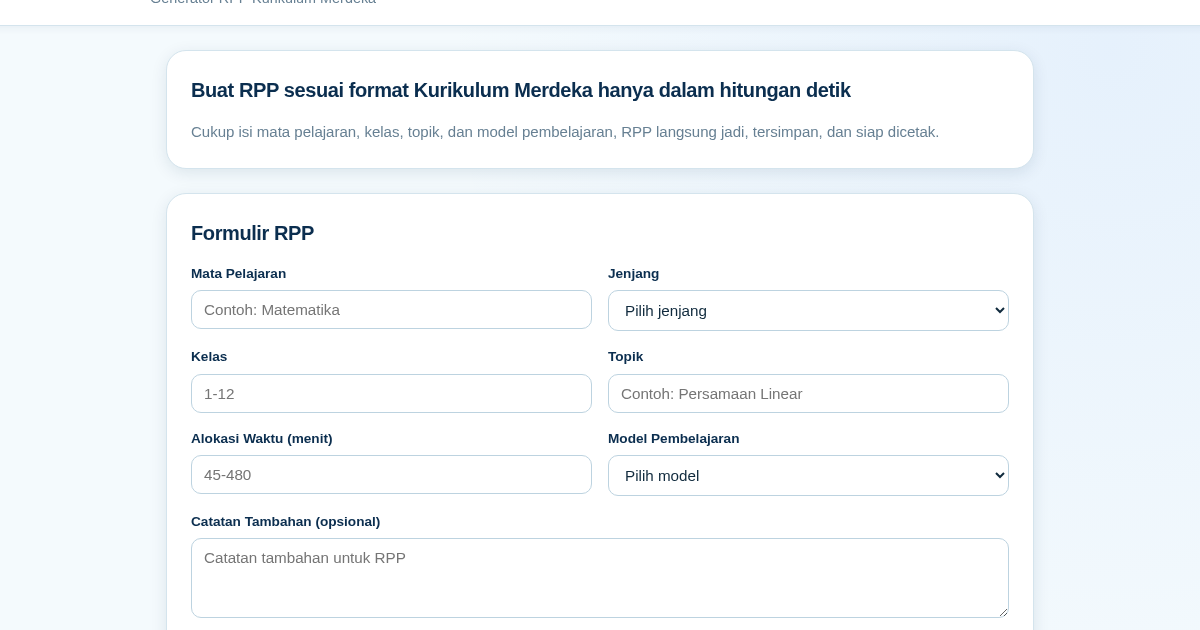
RPP Instan membantu guru di Indonesia membuat Rencana Pelaksanaan Pembelajaran (RPP) sesuai Kurikulum Merdeka dengan cepat. Guru cukup mengisi formulir singkat, dan RPP langsung tersusun otomatis sesuai struktur yang…
GCSE Quiz Generator for Teachers
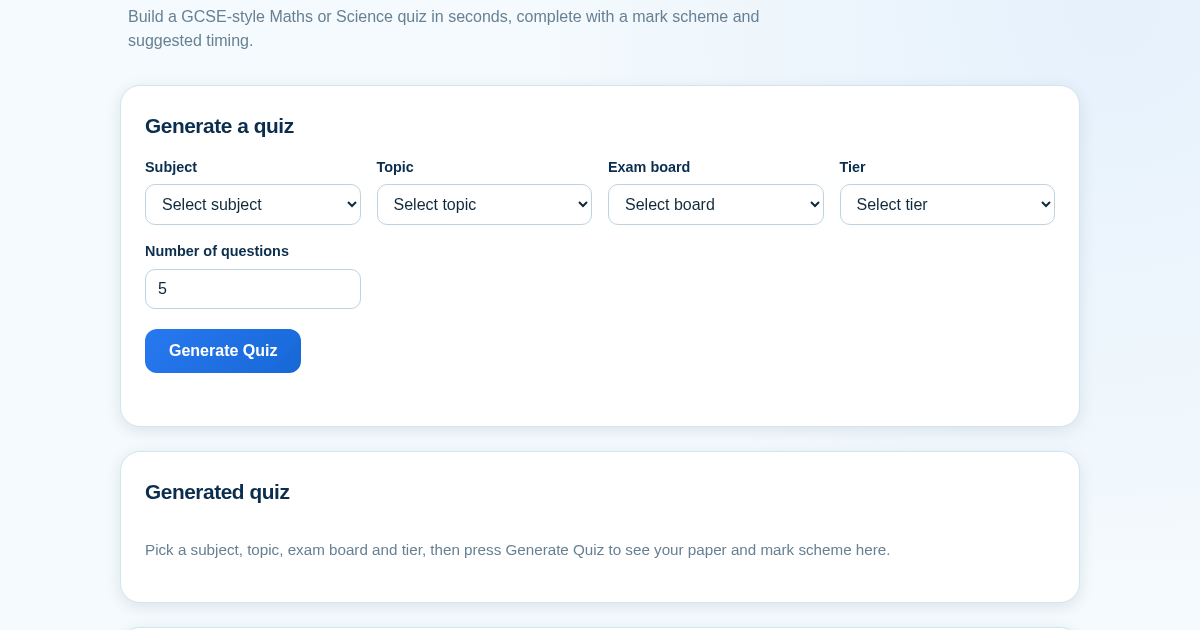
GCSE Quiz Generator helps UK secondary school teachers and private tutors quickly create GCSE-style Maths and Science quiz papers from a built-in question bank. It automatically provides a mark scheme and suggested exam…
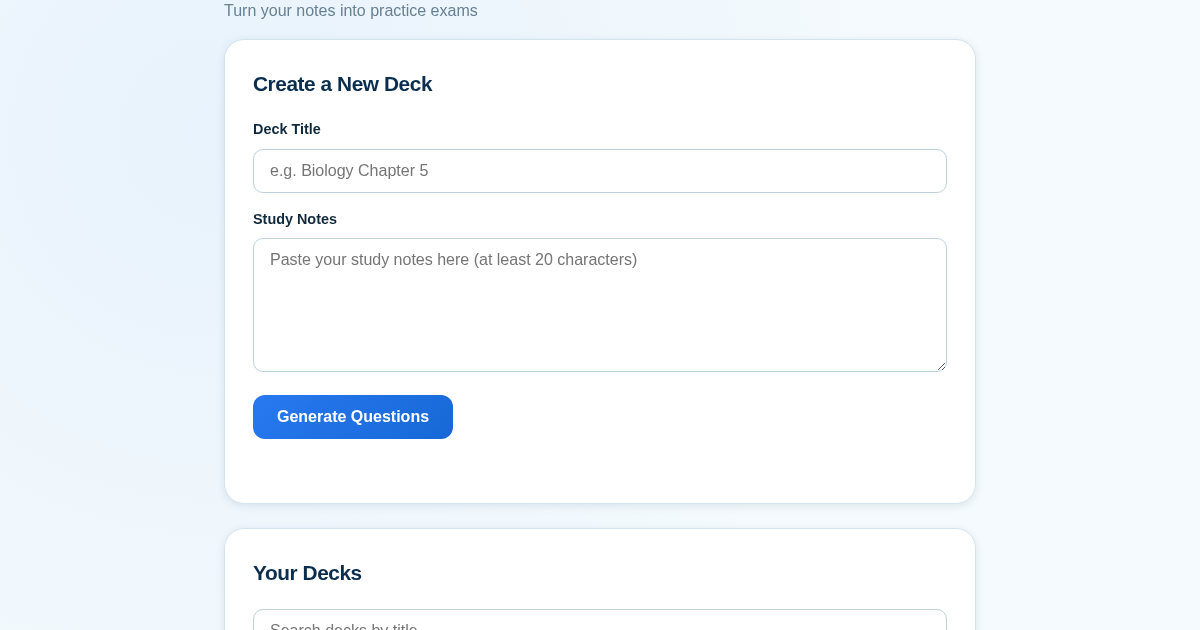
ExamGenius — Turn Your Notes Into Practice Exams
ExamGenius turns pasted study notes into practice quiz questions and schedules reviews using a spaced-repetition algorithm so learners retain material longer. Users paste notes, generate a question deck, self-grade…